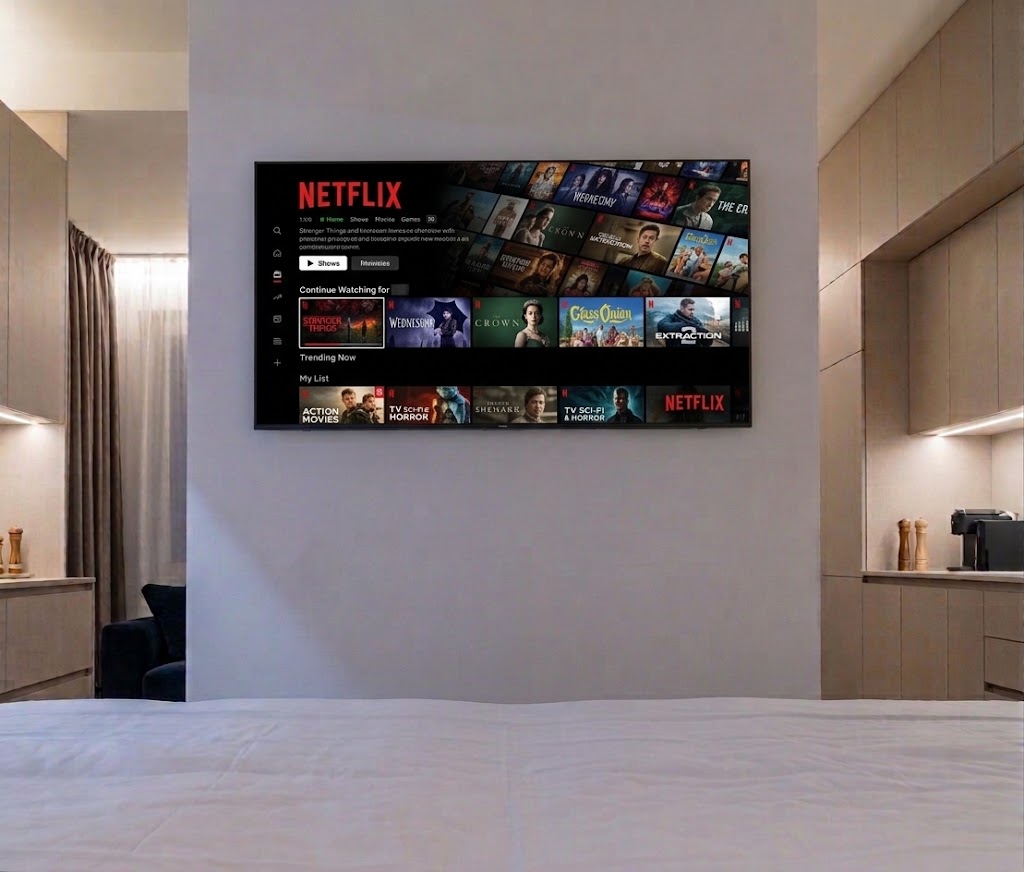
Watching TV
All TVs at Resort Beatrice are Smart TVs and offer access to 200+ TV channels as well as
popular streaming applications.
Watching TV Channels
- Turn on the TV using the remote control.
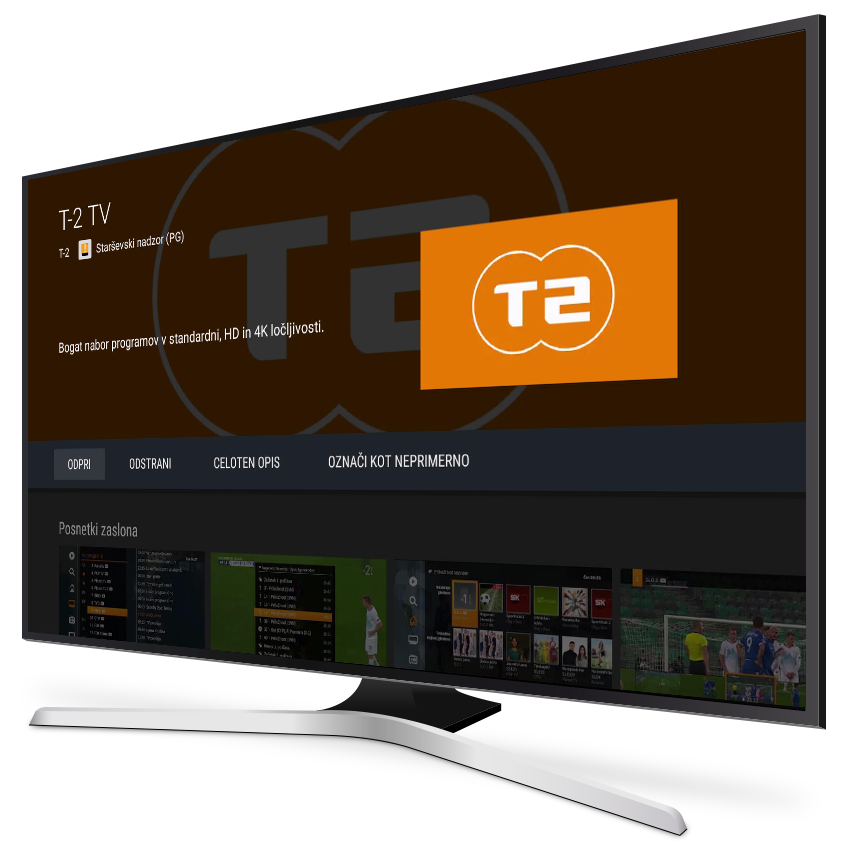
- From the Home screen, select the orange T-2 TV application.
- Browse and select your preferred channel using the remote control.
The T-2 TV application gives you access to 200+ TV channels, including a selection of international channels.
Streaming Applications
You can also use other streaming applications available on the TV, such as Netflix, YouTube, Apple TV and others.
To use subscription-based streaming services, simply sign in with your own account.
Before checking out, please remember to sign out of your personal accounts.